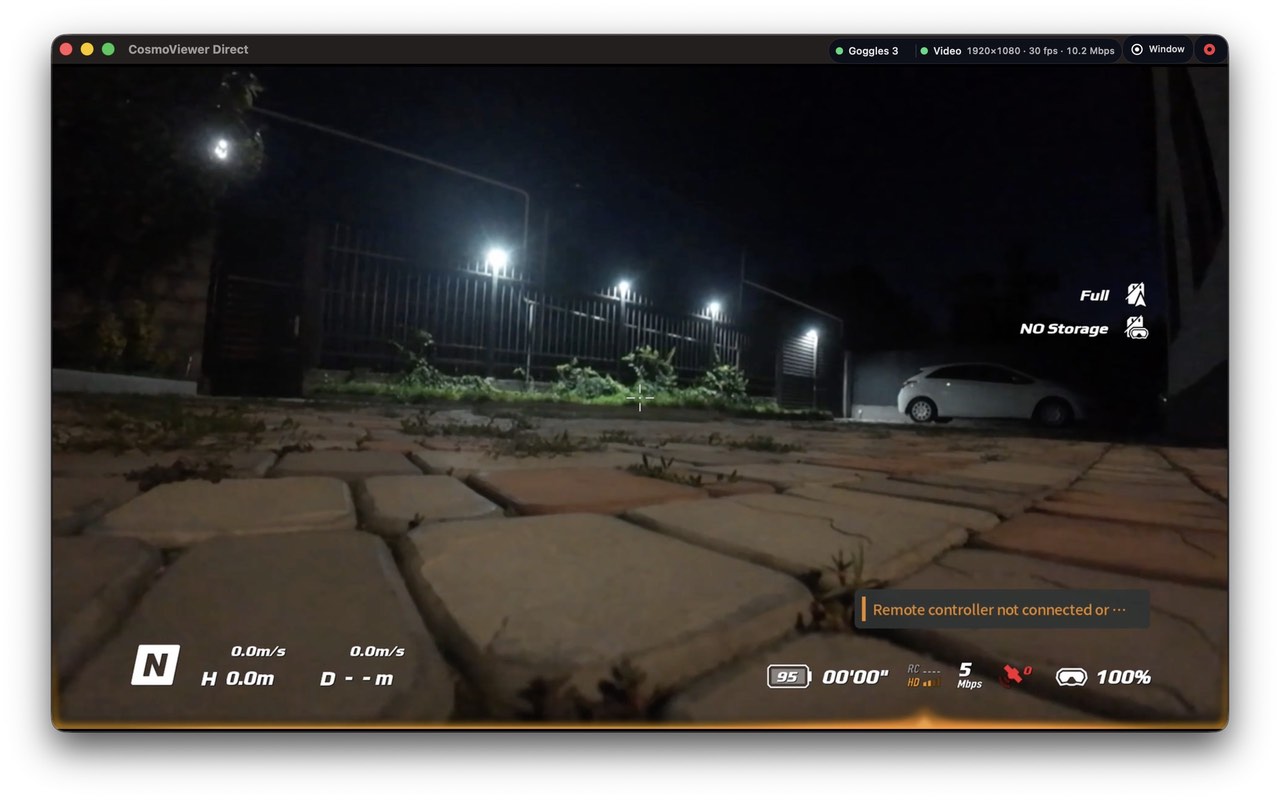
Allows to view a video stream from DJI FPV goggles directly connected to the Mac.
Works only with DJI Goggles 3, DJI Goggles V1, DJI Goggles V2.
Effective date: August 29, 2026
This Privacy Policy explains how the app handles information.
Information We Collect:
CosmoViewer Direct does not require an account and does not collect personal information from users.
The app does not use advertising SDKs, analytics SDKs, or third-party tracking tools.
Local Network Access:
CosmoViewer Direct does not use a local network access.
Live Video
Live video stream received directly from the connected device and displayed in the app. This information is not uploaded by the app to any third-party service.
Data Sharing:
CosmoViewer Direct does not sell, rent, or share personal information with advertisers or data brokers.
Local video processing:
CosmoViewer Direct decodes and processes goggles video locally on your Mac. Cosmostreamer does not collect or receive your video or recordings. The app does not upload them to Cosmostreamer servers or cloud storage. Recordings are created only when you start recording and are saved locally on your Mac.
Virtual camera:
You can optionally enable “CosmoViewer Direct Virtual Camera” in Settings → Connection to make processed goggles video available to other camera applications on your Mac. Virtual camera output includes enabled image-processing effects, such as LUT, dewarp and stabilization. It does not capture your physical camera, microphone or desktop. This feature is disabled by default. MacOS may request Camera permission and approval to activate the camera extension. Camera permission is used to send frames to the virtual camera’s input stream. You can stop sharing video through the virtual camera at any time by disabling this option.
Local network sharing:
When “Allow connections from remote clients” is enabled in Settings → Connection, compatible CosmoViewer applications on your local network can discover this Mac and receive goggles video over UDP or TCP. This setting is enabled by default. You can disable it at any time to stop the server and prevent remote clients from receiving video.
Other applications:
Applications receiving video through the virtual camera or local network may record, stream or otherwise process it according to their own settings and privacy policies. CosmoViewer Direct does not control how those applications use the video.
Children’s Privacy:
CosmoViewer Direct is not directed to children and does not knowingly collect personal information from children.
Changes to This Policy:
We may update this Privacy Policy from time to time. Any changes will be posted on this page with an updated effective date.
Contact:
If you have questions about this Privacy Policy, contact us at: info@cosmostreamer.com
If you have any questions about Cosmostreamer, fill the form below. We will be happy to help you!
Check your spam folder, the answer may be there.
9-190 Colonnade Rd. Ottawa ON, K2E 7J5, Canada
844-850-1100, 613-663-4560